Workflow 01
Incident response
Queue
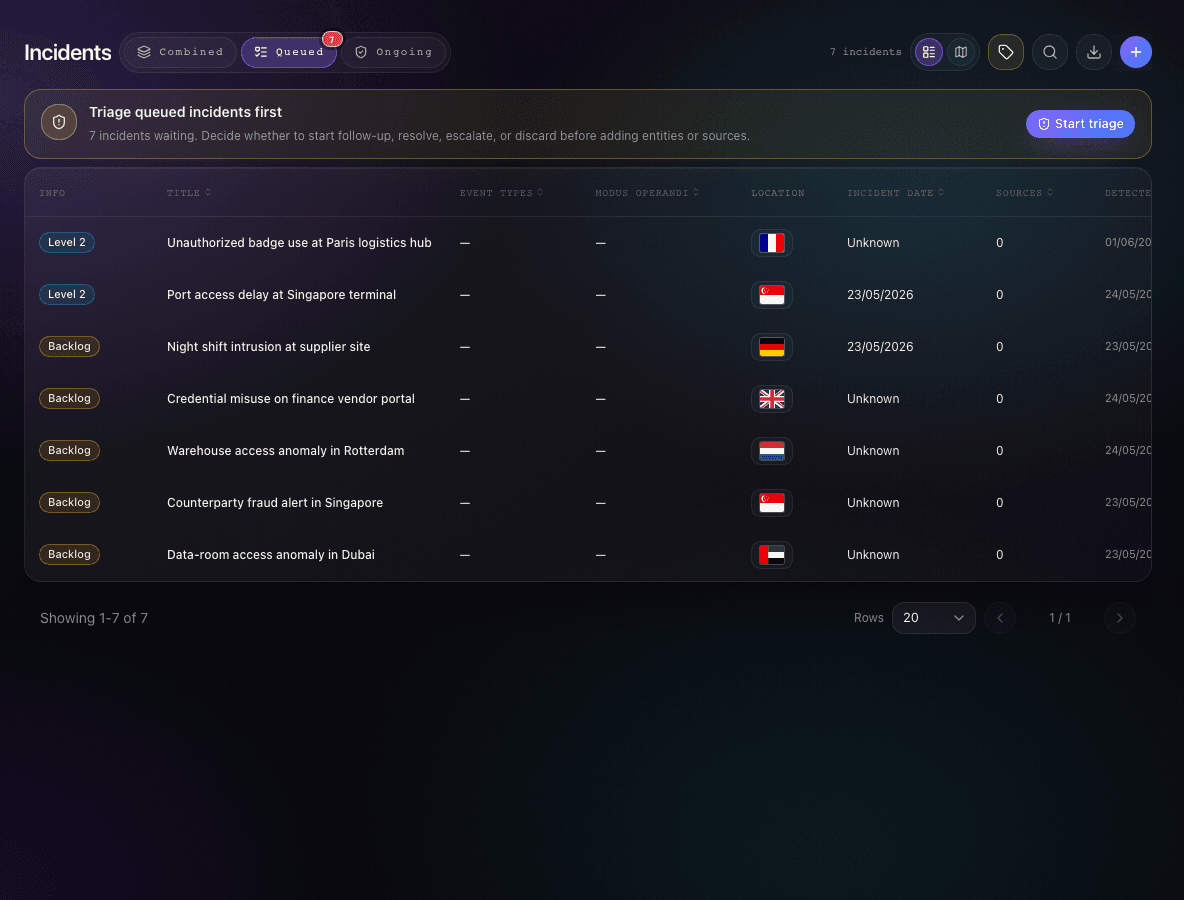
Declare incidents, triage severity and ownership, escalate actions, and launch investigations directly from the incident workspace.
DeclarationTriageEscalationInvestigation launchRisk profile
Workflows
Opsidian keeps incidents, entities, sources, tasks, signals, and risk context moving between teams without rebuilding the file at every handoff.
Workflows
Response, investigations, and exposure assessment each stand on their own. Together, they keep evidence, ownership, signals, and risk decisions in sync.
Workflow 01
Declare incidents, triage severity and ownership, escalate actions, and launch investigations directly from the incident workspace.
Workflow 02
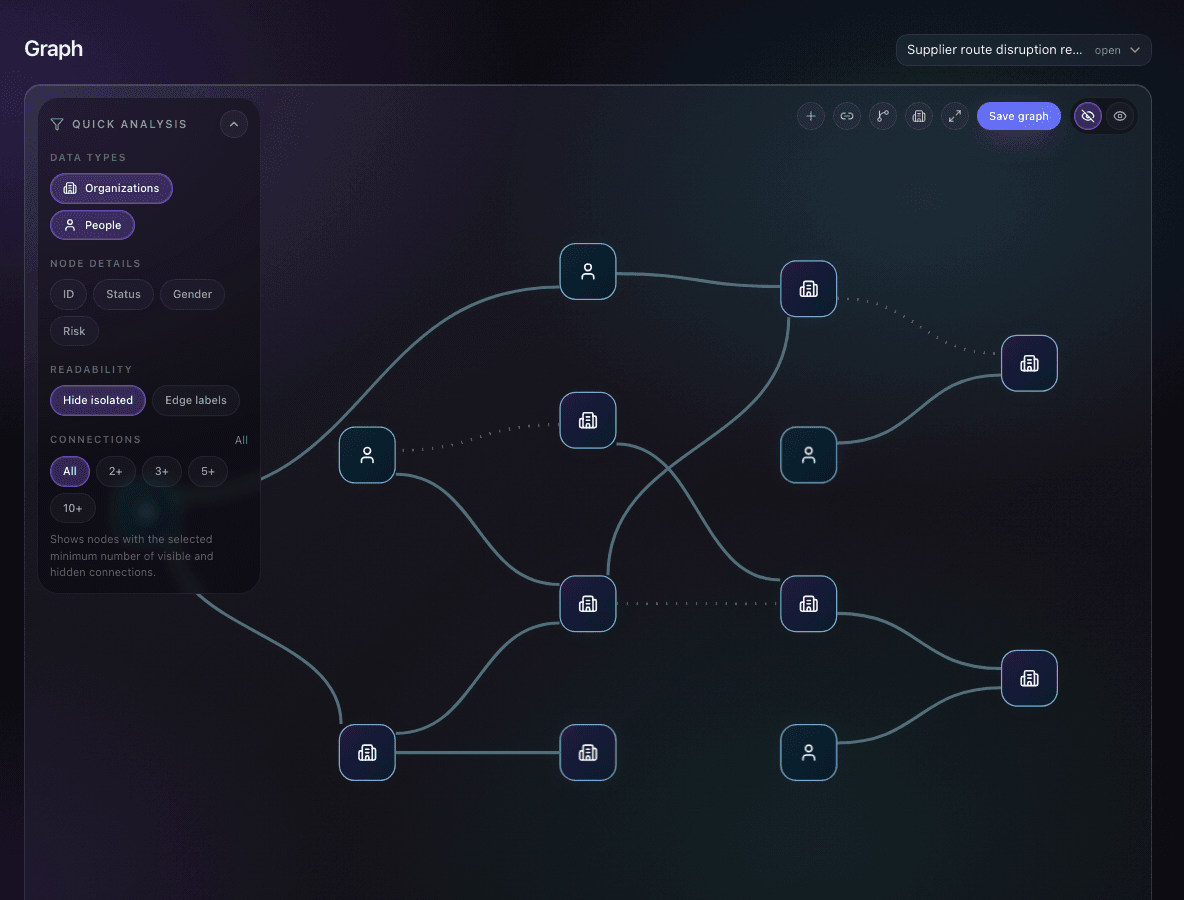
Investigate people, organizations, and attributes through your methodology while analysts follow one repeatable workflow.
Workflow 03
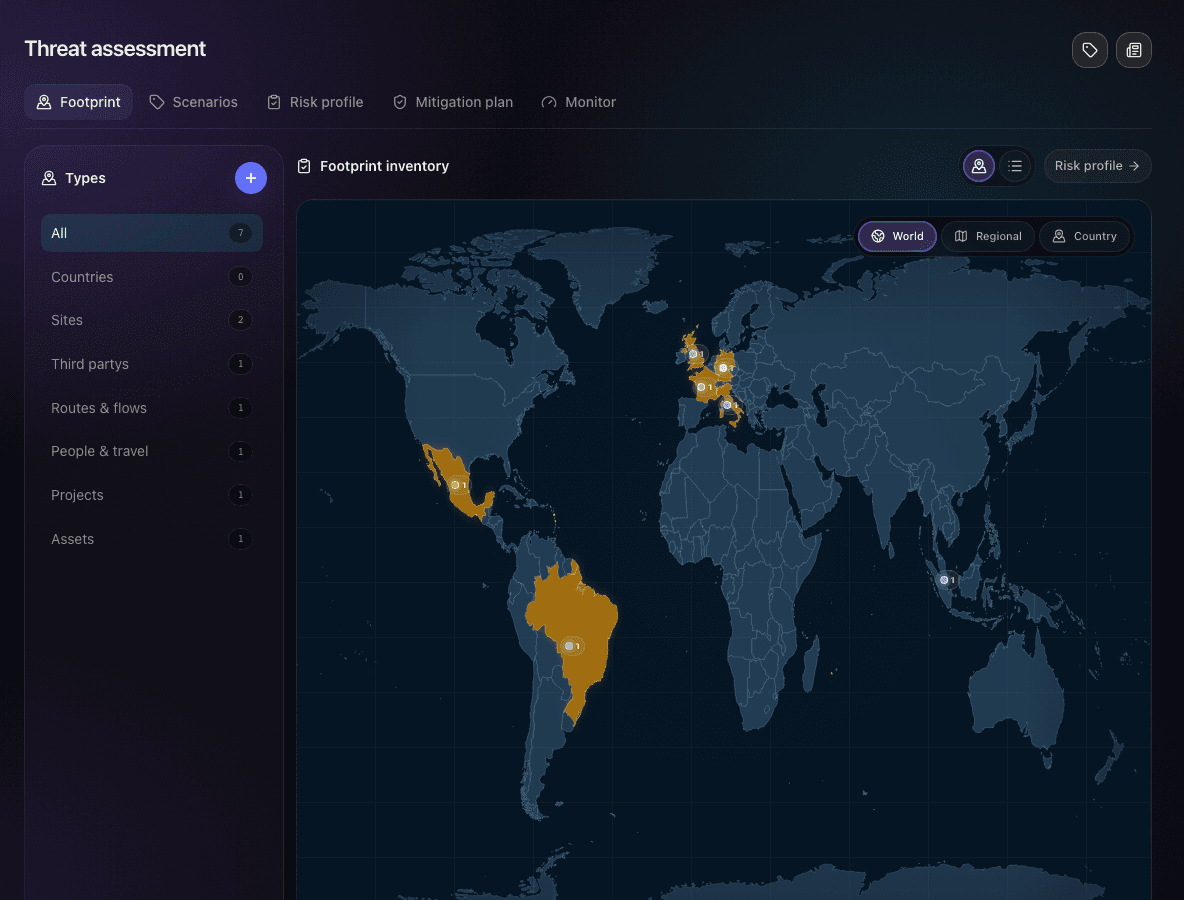
Maintain the footprint, activate scenarios, monitor operating signals, score exposure, and track mitigations from the same workspace.
How it works together
A reported event can trigger casework. Case findings update exposure. Monitoring and risk profile views tell teams what to prioritize next.
Report
The event is logged, classified, and assigned.
Investigate
The case carries the entities, sources, tasks, and findings.
Assess
Exposure updates by site, route, third party, asset, or country.
Decision
Teams act from the same evidence, not a recap deck.
Replace fragmented notes, static trackers, and disconnected evidence folders with one governed operating system.